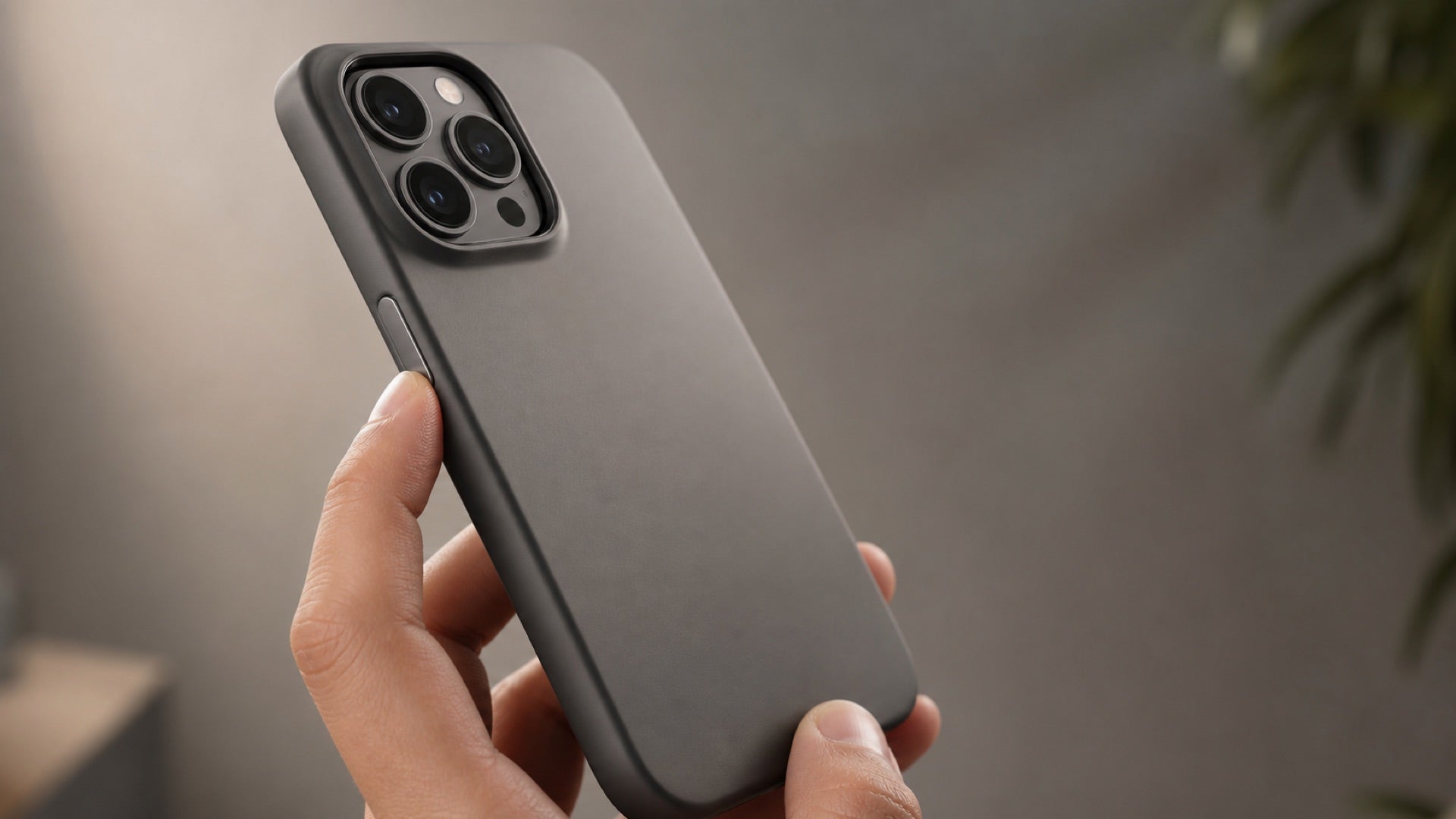
The AI phone case. One button, two modes.
AI within reach.Less to carry.
- No add-on weightNo recorder attached to your phone.
- No case chargingOne less device to keep charged.
- No separate recorderTake your phone. The button comes with it.
Meeting notes. Reply ideas. All from your case button.
At launch: 3 months of membership, with a case included.
View plans and what is includedDesigned around your phone
One less device.
One less thing to manage.
The case provides the button. Your phone and the 1Press app handle recording and AI results.
- No recorder to attach
- The button is part of the case. There is no separate recording device adding its weight to the back of your phone.
- No case to recharge
- The 1Press case does not need charging. Use and charge your phone as usual.
- No extra device to pack
- Your button is on the case you take with your phone. There is no separate recorder to remember before a meeting.
- Recordings start in your phone
- Recording happens in the 1Press app. There is no file to import from a separate recorder; the app processes the recording for transcripts and notes.
One-press recording
Stay in the conversation.
Leave with clear notes.
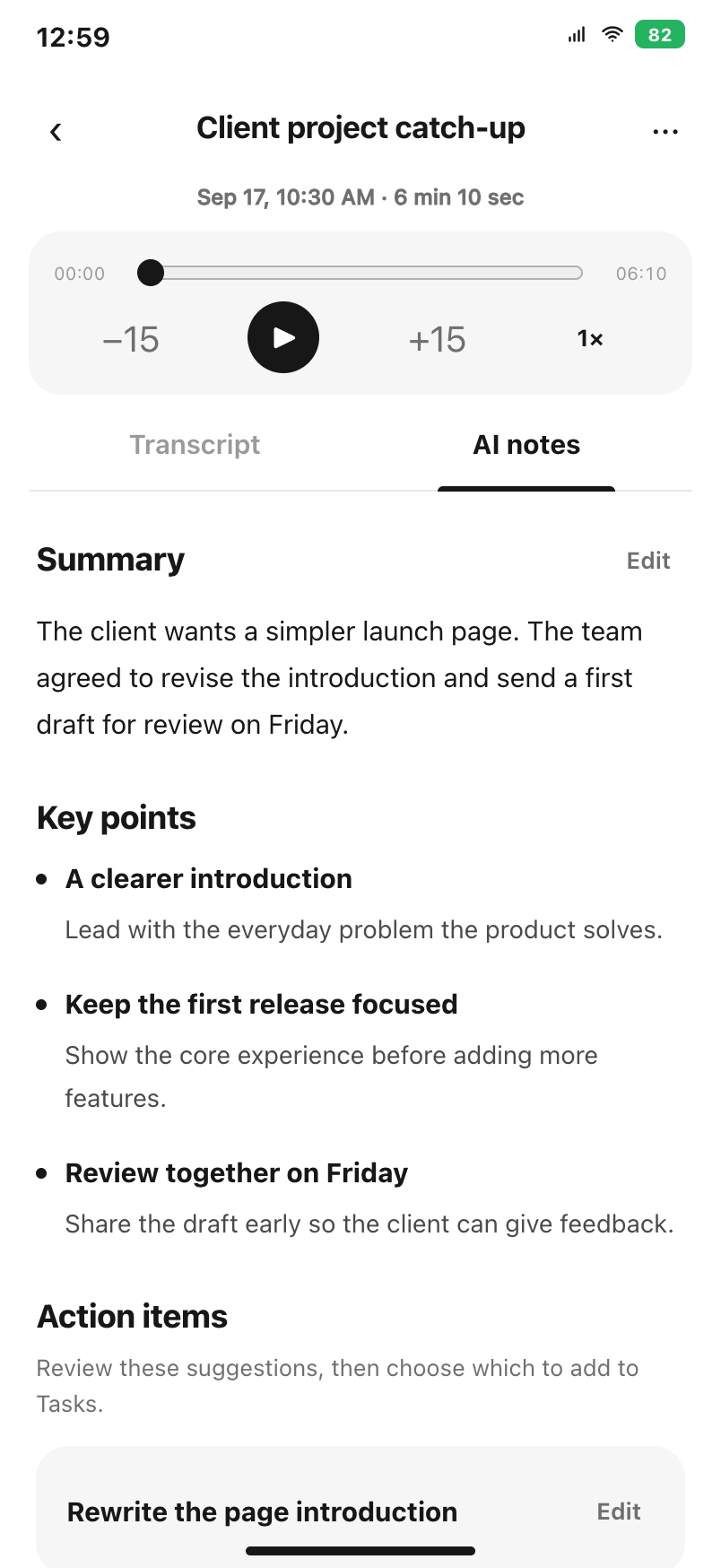
Client requirements, team decisions, a lecture worth revisiting. Record with the case button. After processing, 1Press gives you the transcript, a summary and key points to review.
See a follow-up in the notes? Check it, edit it and add it to Tasks.
See recording in actionApp preview · example meeting notes
Reply suggestions
A tricky message?
Find a way to reply.
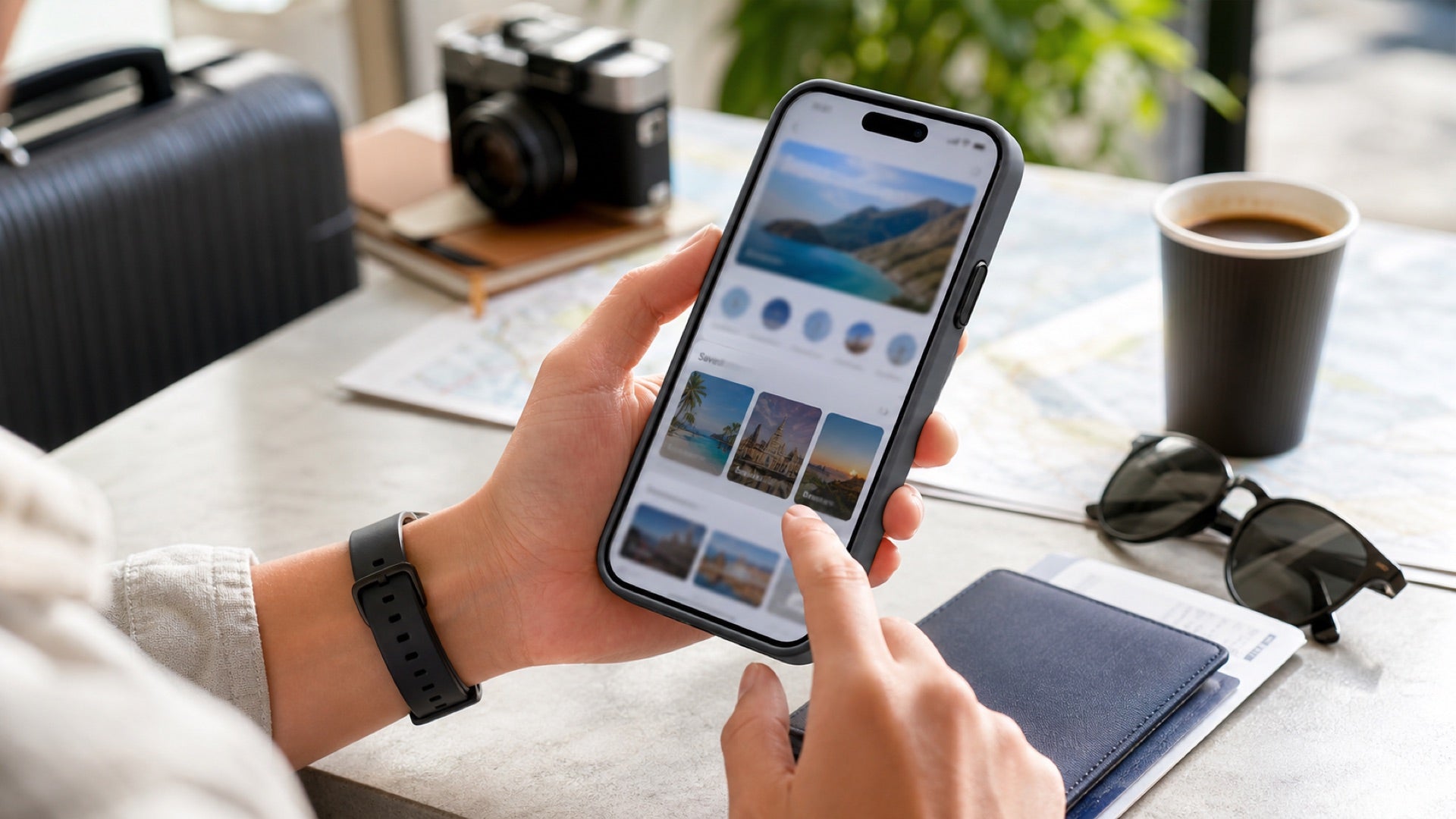
A client is pushing for a deadline. A manager needs an update. Capture the conversation on your screen; 1Press uses the visible context to suggest replies you can adapt.
Illustrative copy. Read, edit and choose what to send.
See how screenshot replies workNotes & tasks
Save the useful detail.
Keep track of the task.
Recommendations, ideas, deadlines. Give the information on your screen a place you can come back to.
- A recommendation worth keeping
- Capture the screen. 1Press organizes the information into a note for you to review and save.
- A deadline you need to act on
- Capture the message. Check the suggested task and its details before adding it to your task list.
Starting with iPhone 17.
Our first confirmed case fits the standard iPhone 17. Register for launch updates, or request another model below.
Get launch updates